
Trading launched tokens
How buying and selling works on Titan Deployer token pages: Uniswap V3 routing, slippage, price impact, ETH quotes, and the live data behind the chart.
Updated 2 min read
On this page2 sections
Every Titan Deployer token trades in an ordinary Uniswap V3 pool against WETH on Robinhood Chain, so the trade panel on a token page is a thin, transparent wrapper around SwapRouter02: the same swap you could execute from any Uniswap interface. Nothing routes through Titan's own contracts.
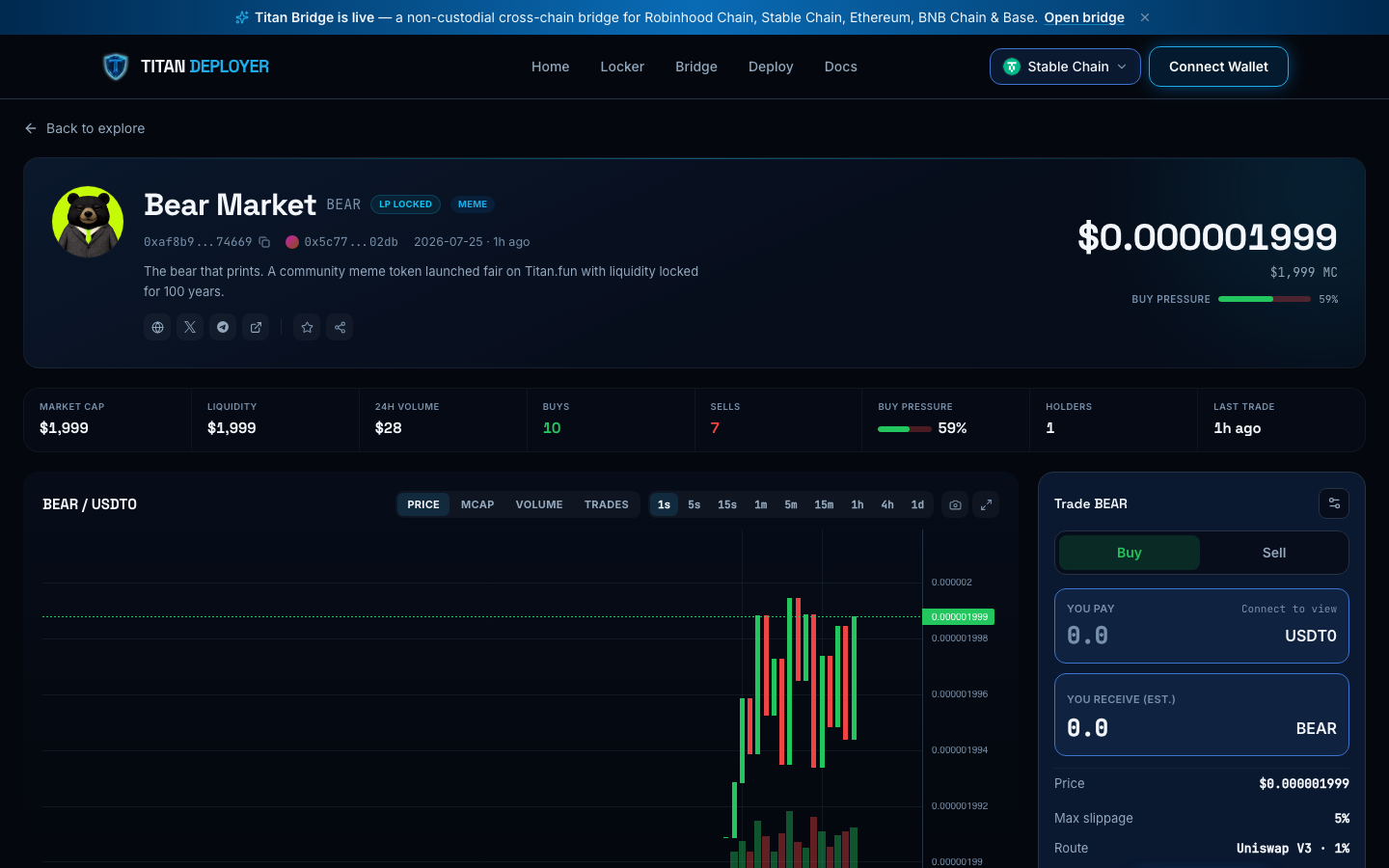
Buying and selling
- Buys spend ETH (the router wraps it into WETH) and sells pay out plain ETH; sells spend the token. The panel shows your balance once a wallet is connected, and its MAX button keeps a little ETH back for gas.
- Slippage defaults to 5% (young one-sided pools move fast); presets of 1%, 5%, and 15% plus a custom field live behind the settings icon.
- Min received is enforced on-chain via the router's amountOutMinimum — if the pool moves beyond your slippage before confirmation, the transaction reverts rather than filling badly.
- The panel estimates price impact from your trade size against current pool liquidity, and shows the exact route (Uniswap V3 · 1% fee tier).
Reading the token page
- The chart offers Price, Market cap, Volume, and Trades views across nine intervals from 1 second to 1 day.
- Transactions stream in live over WebSocket (about three seconds after confirmation), with whale trades (roughly $100+ or 5%+ of liquidity) and dev buys badged.
- Holders shows the distribution including the pool vault; Top traders ranks wallets by realized profit; the price-change windows (5M/1H/6H/24H) and trader counts come from the same indexer that serves the public API.